Lusha Review (2026): Simple B2B Data—But Is It Enough for Serious Prospecting?

A lighweight sales intelligence tool built for speed—not necessarily depth.

8.2

Good

Quick Verdict

Lusha delivers exactly what it promises: fast, no-friction access to contact data, especially within LinkedIn-driven workflows. 

It’s one of the easiest tools to pick up and start using immediately, making it highly effective for individual reps and small teams focused on quick prospecting.

However, that simplicity comes with trade-offs. Compared to more robust platforms like Apollo.io or ZoomInfo, Lusha lacks the depth, automation, and data intelligence needed to support larger or more sophisticated outbound operations.

Best for

  • SDRs and solo sales reps
  • Small teams doing outbound prospecting
  • LinkedIn-based lead generation workflows
  • Quick email/phone lookup without complexity

Not idea for

  • Enterprise sales teams needing deep data
  • Companies requiring intent signals or advanced insights
  • High-volume outbound teams at scale
  • RevOps teams needing full enrichment pipelines

Key Features

Sales intelligence at scale.

Chrome Extension (Core Experience)

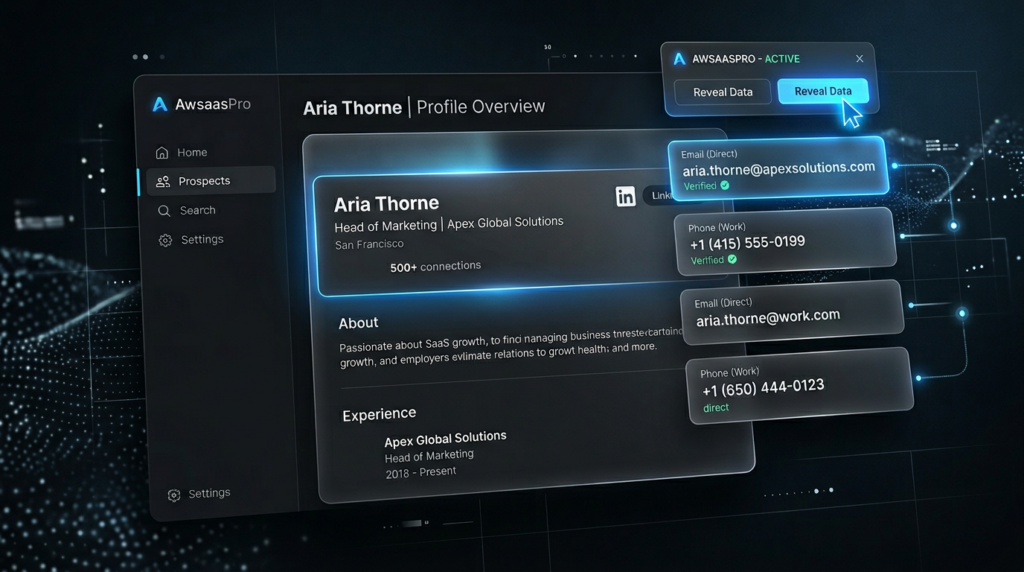
Lusha’s Chrome extension is the centerpiece of its experience, allowing users to pull verified contact data directly from LinkedIn profiles in just a click.

Contact & Company Search

The platform includes a built-in search system where users can filter prospects by role, company size, and industry. 

Verified Email & Phone Data

Lusha provides access to business emails and direct dials, with generally reliable accuracy for standard use cases.

CRM Integrations

Lusha integrates with popular CRMs like Salesforce and HubSpot, allowing users to push contact data directly into their pipeline.

Pricing

Plans built for every stage.

Starter

$49.90/month

  • 4,800 credits + 1 seat
  • Everything in Free plan
  • Bulk enrichment

Pro

$69.90/month

  • 7,200 credits + 2 seats 
  • API + CSV enrichment 
  • Workflow automation 
 

Premium

$399.90/month

  • 40,800 credits + 5 seats 
  • Everything in Pro
  • Team management + API advanced
  • 5 buying intent topics, unlimited results

Scale

Custom Pricing

  • Custom credits
  • Custom seats 
  • Priority support 
  • 25 buying intent topics, unlimited results 

Free

$0/month

  • 1 seat included + 40 credits
  • Verified emails & phones
  • Automated email sequences
  • AI Insights

Pricing

Pricing built for every stage.

Starter

$37.45/month

  • 4,800 credits + 1 seat
  • Everything in Free plan
  • Bulk enrichment

Pro

$52.45/month

  • 7,200 credits + 2 seats 
  • API + CSV enrichment 
  • Workflow automation 
 

Premium

$299.95/month

  • 40,800 credits + 5 seats 
  • Everything in Pro
  • Team management + API advanced
  • 5 buying intent topics, unlimited results

Scale

Custom Pricing

  • Custom credits
  • Custom seats 
  • Priority support 
  • 25 buying intent topics, unlimited results 

Free

$0/month

  • 1 seat included + 40 credits
  • Verified emails & phones
  • Automated email sequences
  • AI Insights

Pros & Cons

Pros

  • Extremely easy to use
  • Fast LinkedIn prospecting workflow
  • Clean UI with minimal workflow
  • Good entry-level data

Cons

  • Limited database depth vs competitors
  • Weak intent data and enrichment capabilities
  • Credit card system can get expensive
  • Not built for full outbound systems

Alternatives to Lusha

See other peer-worthy tools.

Apollo

Best all-in-one outbound platform for startups & lean teams

  • Larger database + built-in outreach
  • Better value for scaling teams
  • Strong all-in-one platform

ZoomInfo

Best for enterprise-grade data accuracy & large-scale prospecting

  • Massive enterprise-grade database
  • Intent data + advanced filtering
  • Significantly more expensive

Cognism

Best for compliant prospecting & high-quality EMEA data

  • Strong GDPR-compliant data
  • Better phone data in EMEA markets
  • Built for international teams

8.2/10

Best for simple prospecting & contact data

Fast data access. Easy setup. Built for outbound teams..

Lusha succeeds because it doesn’t try to do everything. 


It’s fast. it’s simple. It works—especially if your workflow lives inside LinkedIn.


  • Deeper data
  • Automation
  • Intent signals or scalable outbound infrastructure  
  • or scalable outbound infrastructure


Lusha is a great starting too—but not a long-term system

Scroll to Top